

DialerBee describes partner-managed tenants, tenant isolation, per-tenant settings and assisted custom-domain branding. Branding capabilities vary: some are live, some require setup, and others remain planned or unsupported.
Start with a repeatable customer package
Define who the package serves, what channels and calling workflows are included, which carrier supplies numbers and minutes, and who provides first-line support. A clear service boundary makes onboarding and pricing easier to explain to customers.

Validate the exact branding surface
The current product describes platform naming, partner administration and assisted custom-domain verification. Some console branding requires setup. Agent-desktop logo and color customization are described as planned, while complete removal of underlying platform traces is not supported. Include these distinctions in your demonstration.
Keep tenant operations visible
Test how a partner creates or requests a tenant, assigns users, controls carrier settings and reviews usage. The product describes per-tenant AI metering. Do not assume a partner margin dashboard or public-API tenant creation; these are not described as currently supported.
Agree the support and data responsibilities
Document customer onboarding, incident escalation, privacy responsibilities, retention, billing ownership and contract boundaries. Walk through an example customer incident so every party knows who investigates the carrier, network, platform and integration layers.
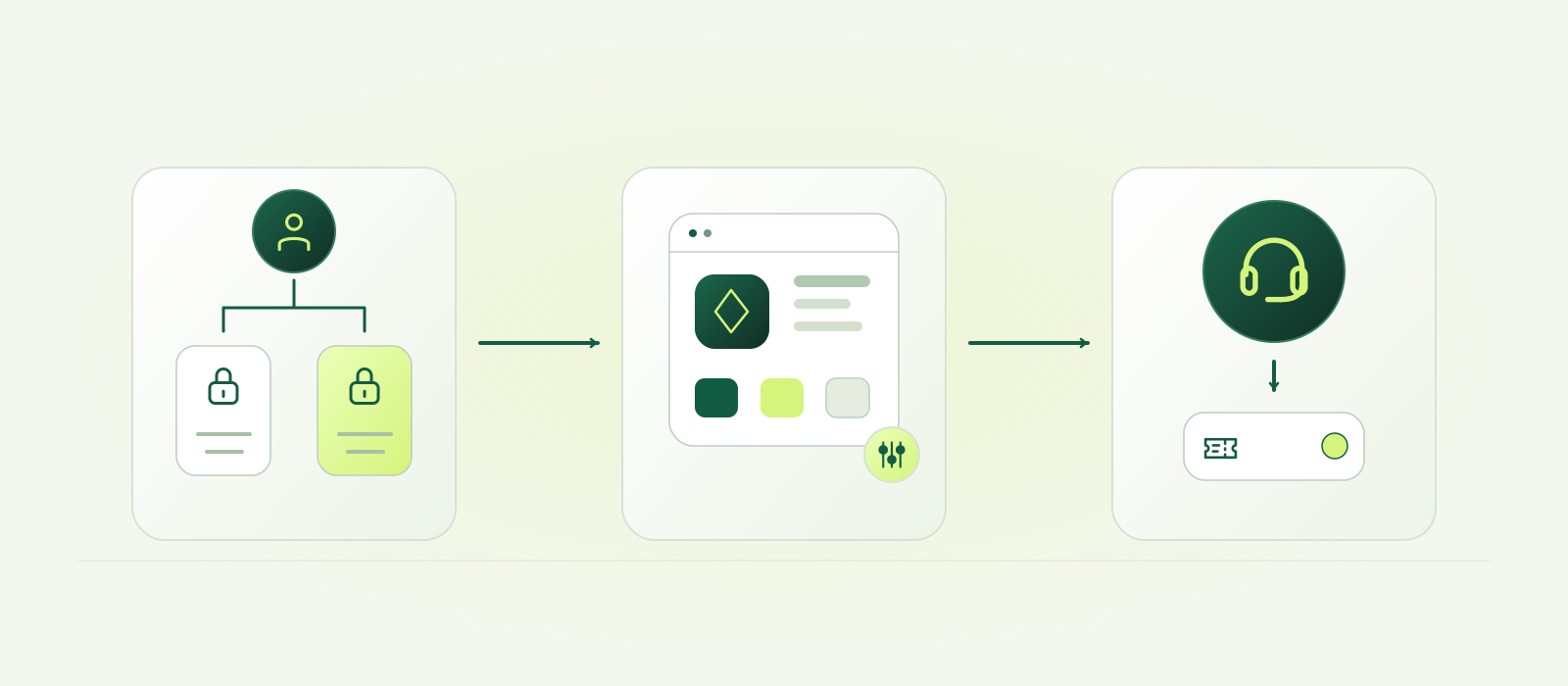
- Tenant boundaries
- Branding scope
- Support ownership
Use these checks as demonstration requirements. They describe evidence to request, not a claim that every integration or configuration is already included. Agree the owner, scope and acceptance result before rollout.
Make the capability testable.
Onboard a fictional customer tenant and document which setup steps are self-service, assisted, included or out of scope. Keep commercial promises within demonstrated branding and administration capabilities.
Use these checks as demonstration requirements. They describe evidence to request, not a claim that every integration or configuration is already included. Agree the owner, scope and acceptance result before rollout.
Bring your plan to the team.
Copy the selected tests into your demo request. The relevant product interest is preselected; your checklist is not sent automatically.
Questions to bring to your demonstration
Can I use a custom domain?
The product describes assisted custom-domain setup with DNS verification. Confirm the branding scope, tier and commercial terms with the partner team.
Is there a partner margin dashboard?
The current white-label page lists a partner margin dashboard as unsupported. Ask for a written statement of any change before relying on it.