

Bring your own carrier means connecting your existing SIP carrier or PBX to a contact-center platform. DialerBee advertises BYOC with no per-minute platform fees; your carrier continues to charge for numbers and calling.
Understand the commercial boundary
In a BYOC model, software seats and carrier usage are different cost lines. DialerBee advertises no per-minute platform fees on your own carrier. You still need to budget for your provider’s minutes, numbers, destinations and fixed charges, alongside implementation and any agreed AI or integration costs.

Compatibility is a test, not a slogan
Prepare a SIP test covering registration or IP authentication, inbound number presentation, outbound caller ID, two-way audio, codec negotiation, DTMF, hold, transfer and recording. Confirm NAT and firewall requirements with your network and carrier owners. Some providers require assisted setup.
Preserve a tested rollback path
Move traffic in a controlled sequence. Test non-critical numbers, document the previous routes and retain access to the old configuration during the agreed rollback period. A migration should have a clear owner, a stop condition and a practical method to restore service.
Choose a model that matches your team
BYOC gives commercial and routing flexibility but also creates shared responsibilities between carrier, platform and network owners. A bundled carrier service may suit some buyers. Compare the complete operating model, support boundaries and total cost rather than choosing from headline prices alone.
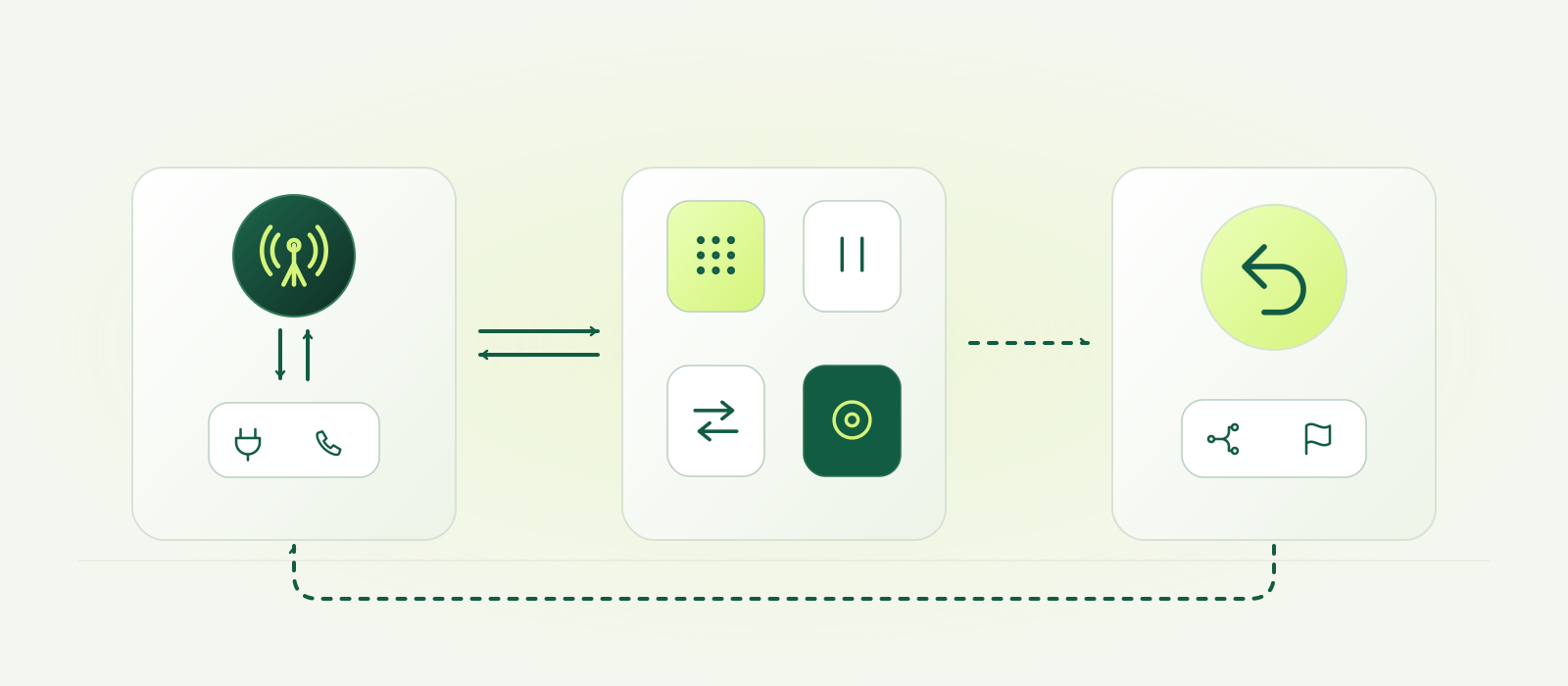
- Basic call
- Call controls
- Recovery
Use these checks as demonstration requirements. They describe evidence to request, not a claim that every integration or configuration is already included. Agree the owner, scope and acceptance result before rollout.
Make the capability testable.
Connect an approved test number to a pilot queue before changing production routing. Exercise carrier signaling, media and the rollback path as separate tests.
Use these checks as demonstration requirements. They describe evidence to request, not a claim that every integration or configuration is already included. Agree the owner, scope and acceptance result before rollout.
Bring your plan to the team.
Copy the selected tests into your demo request. The relevant product interest is preselected; your checklist is not sent automatically.
Questions to bring to your demonstration
Does BYOC include free phone calls?
No. Your own carrier bills its calling and number charges. DialerBee’s published claim concerns the absence of per-minute platform fees.
Can any SIP carrier connect?
DialerBee describes support for most SIP-compatible carriers, but the exact trunk, authentication, codec and routing configuration should pass a compatibility test.