
Build a SIP acceptance test matrix before connecting live traffic
A practical SIP acceptance sheet covering signalling, media, routing and reproducible failure evidence.
Read the guide
Move to a new contact-center platform while retaining your SIP carrier, with test calls, staged routing, ownership and a documented rollback.
A BYOC migration connects your existing carrier or PBX to a new platform while keeping telecom responsibilities explicit. Inventory numbers and routes, validate compatibility, test complete call journeys, move a limited workload first and keep a timed rollback plan. Retaining a carrier does not remove integration work.
Part of our guide: What is CCaaS?
List your telephone numbers, carrier accounts, SIP trunks, PBXs, queue destinations, opening hours and outbound caller IDs. Identify which numbers are business-critical and which routes serve after-hours or emergency workflows. Record who can change each component and where the authoritative configuration is stored.
Include dependencies that are easy to miss: fax or alarm numbers, recording announcements, conference paths, voicemail, call forwarding, agent devices and reporting exports. A migration inventory is not a spreadsheet of DIDs alone. It is a map of what should happen when a particular caller reaches a particular number at a particular time.
Confirm whether the new platform will receive calls directly from your trunk or through an existing PBX. Ask both parties about supported authentication, transport security, media handling, codecs, DTMF, caller-ID formats and concurrent call capacity. Have the responsible engineers approve the design rather than relying on a generic statement that SIP is supported.
Clarify who bills carrier minutes and numbers, who diagnoses a failed call and who can authorise routing changes. Retaining a carrier may avoid a number-porting project, but it does not guarantee every route works unchanged. Any number transfer or carrier-side change requires its own agreement, timing and verification.
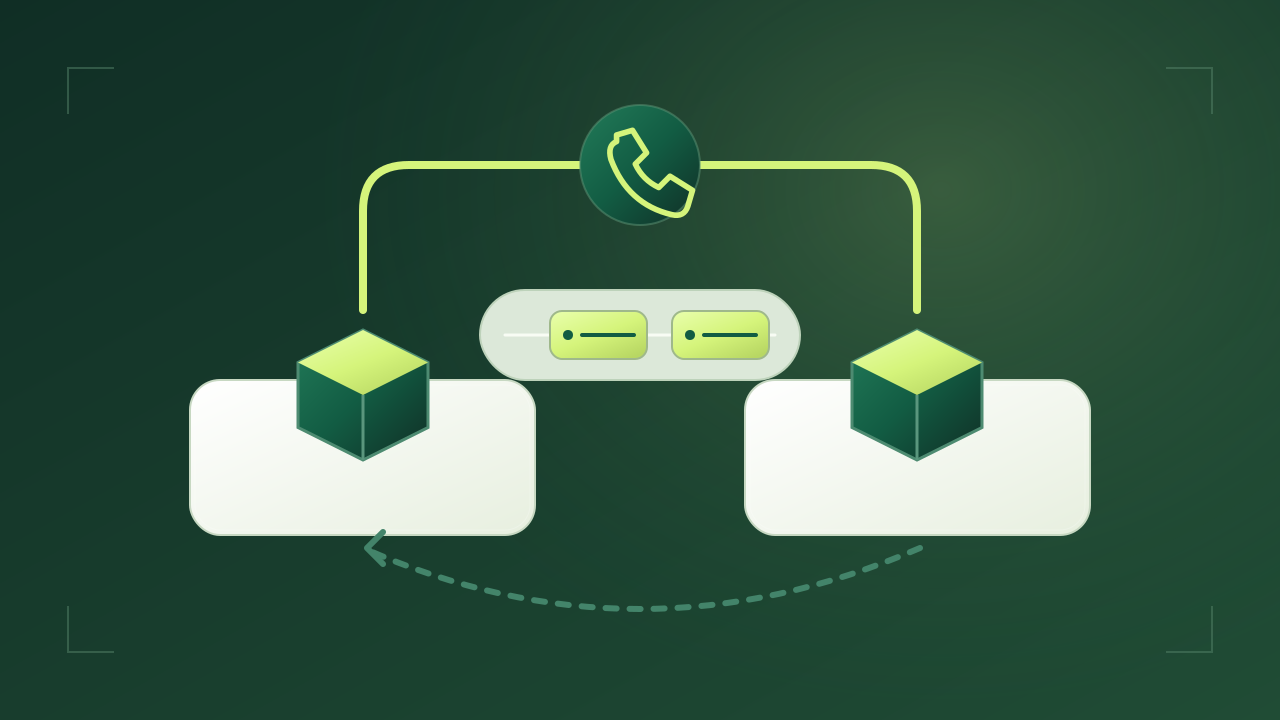
Inventory business journeys as well as numbers.
Create a test sheet covering inbound answer, IVR selection, queue routing, hold, transfer, conference, voicemail, callback and outbound calling. Add after-hours, holidays, busy conditions, unanswered calls and a missing integration. Test from the countries and networks that represent your real audience.
Capture the expected result, actual result, time, calling and called numbers, platform call identifier and owner for each failure. Check audio in both directions, digit detection and correct caller ID. Verify the business outcome too: a connected call that never appears in reporting or cannot be associated with the customer is not a complete operational pass.
Provide connection information through the agreed secure process and restrict administrative access to the people doing the work. Review permitted source addresses, authentication, access logs and how credentials are rotated after setup. Make sure test recordings and customer data follow the same retention and access rules you expect in production.
Separate sample accounts from production users and use authorised test destinations. A migration does not justify importing more customer data than the pilot needs. Confirm which system becomes the record of truth for contacts, dispositions and recordings, and how you will reconcile anything created while old and new systems run together.
Start with a test number or a limited team and a workload that has a clear owner. Agree a change window, monitoring period and decision point. Keep agents briefed on the new desktop, disposition choices, escalation route and what they should do if audio, transfers or customer context fail.
Set explicit rollback triggers before the change, such as repeated routing failures, one-way audio or a missing critical workflow. Record the exact routing values to restore, the person authorised to restore them and how long that should take. A fallback plan is only useful if the required access and carrier contact are available during the window.
Watch the first full operating period, including shift changes and the next closed-hours transition. Compare call counts across the carrier, old platform where relevant and new platform. Inspect representative recordings, missed calls, queue outcomes and callbacks. Differences may reveal duplicated routes, time-zone mistakes or incomplete reporting rather than real demand changes.
DialerBee advertises BYOC using customer SIP trunks or PBXs and notes that some providers need assisted configuration. Request a compatibility test with your exact carrier and call journeys. Keep the rollout conditional on that evidence, retain the rollback record and retire old routes only after their dependencies have been checked.
Not necessarily. You may retain the carrier and change routing or connect through your PBX. The supported approach depends on the carrier and platform.
Keep a clearly scoped fallback until critical journeys and reporting are validated. Contract and data-export obligations also need to be completed.
Prepared by the ContactCenter.me editorial team, a BroadNet resource powered by DialerBee. Product statements reflect the linked documentation checked 2026-11-25. Operational examples are planning guidance. Read our editorial standards and commercial disclosure.
Track the practical work needed before moving queues, numbers, agents and workflows.
Model chat or messaging staffing with a clearly stated concurrency assumption.
Estimate average concurrent calls and a configurable headroom allowance.

A practical SIP acceptance sheet covering signalling, media, routing and reproducible failure evidence.
Read the guide
Distinguish packet loss, jitter, delay and device problems, then connect measurements to the audible symptom.
Read the guide
Build a transparent bandwidth estimate including codec payload, packet overhead, concurrency and operating headroom.
Read the guideExplore your requirements with a DialerBee specialist. Bring your workflows, your carrier, and your questions.