
An omnichannel rollout plan that keeps ownership clear
Introduce connected voice, WhatsApp, SMS and email workflows without creating duplicate cases or abandoned conversations.
Read the guide
Understand the difference between call centers and contact centers, then map channels, ownership and reporting to your actual customer journeys.
A call center primarily manages telephone conversations. A contact center manages customer interactions across channels such as voice, messaging and email. The useful distinction is whether your team can keep ownership, context and reporting connected as a customer moves between them.
Part of our guide: Contact center software
The labels are often used loosely. A telephone support team might call itself a contact center even when every enquiry starts with a call. An organisation with email and WhatsApp might still operate three disconnected teams. Neither label tells you whether customers get a consistent answer or whether an unresolved issue survives a transfer.
Before comparing software, list your five most common customer journeys. For each, record how it starts, who owns it, which systems are involved, what completion looks like and what happens when the first attempt fails. A booking enquiry, payment query and technical fault may need different workflows even if all three begin on the same number.
Offering several channels is a distribution choice. Connecting them is an operational choice. Imagine a customer calls about a delivery, sends a photograph on WhatsApp and later emails an invoice. If each interaction opens an unrelated case, the company has several channels but the customer still has to rebuild the story.
Ask a vendor to demonstrate the whole journey using one test customer. The next agent should see the earlier interaction, current owner, promised action and relevant attachments. Check how identity is matched and corrected. A phone number is a useful starting point, but shared family numbers, changed numbers and separate business contacts need a clear resolution process.
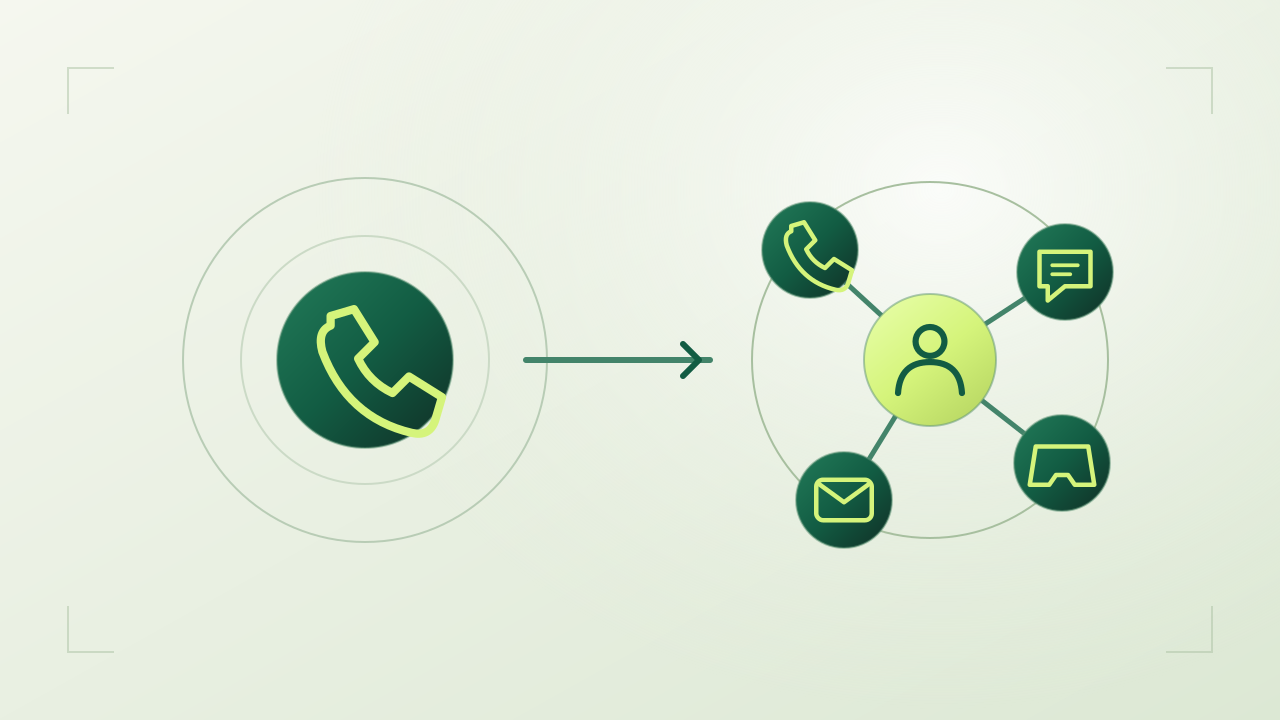
Map customer journeys before adding channels.
Cloud deployment and contact-center functionality answer different questions. Cloud describes how software is delivered. Contact Center as a Service, or CCaaS, usually describes a subscription service for contact-center capabilities. A call center can use cloud software without needing every messaging channel. A contact center can also depend on a mixture of hosted applications and existing telephony.
Evaluate the practical boundaries: where voice traffic goes, who supplies telephone numbers, which party bills carrier minutes, where recordings are stored and which team manages changes. A single subscription does not necessarily include all telecom charges, implementation work or integrations. Put these responsibilities in writing before comparing headline prices.
Adding a channel creates promises about response times, opening hours, identity handling and escalation. Start with the channels your customers already use and the problems your team can reliably resolve. A well-managed voice and WhatsApp workflow can be more useful than five neglected inboxes.
Define response targets separately. A phone queue has waiting callers; an email queue has work that can be scheduled. A conversation can move between those models, so decide who retains ownership after a channel switch. Track unanswered and reopened contacts alongside first responses. These measures reveal whether channel expansion reduces effort or simply moves work from one team to another.
An attractive dashboard is useful only if it helps people act. Ask an agent to answer a call, view the customer history, record a disposition, send an approved follow-up and schedule a callback. Then ask a supervisor to find the unresolved issue, inspect a recording and see which team owns the next action.
DialerBee describes an inbox for voice, WhatsApp, SMS and email with Customer 360 context. Treat that as a shortlist capability and test your specific matching, permissions and CRM workflow in a demonstration. A feature listing alone does not establish how your existing records, integrations or service policies will behave.
Score each shortlisted platform against the same customer journeys rather than against the length of its feature menu. Weight requirements by actual workload and business importance. Separate mandatory requirements from useful extras, and record whether each answer was demonstrated, documented or simply discussed.
For a voice-heavy team, queue design, call quality, routing and carrier control may dominate. For a messaging-heavy service team, assignment, thread continuity and response ownership may matter more. The right purchase is the operating model your team can sustain, supported by evidence that the software handles its important journeys.
It may need a simple connected workflow rather than a large department. Choose capabilities around enquiry volume, channels and ownership.
The benefit depends on your customers and operations. Extra channels only help when they are staffed, owned and connected to the customer record.
Prepared by the ContactCenter.me editorial team, a BroadNet resource powered by DialerBee. Product statements reflect the linked documentation checked 2026-11-25. Operational examples are planning guidance. Read our editorial standards and commercial disclosure.
Get a suggested DialerBee demonstration agenda based on how your team works.
Create a practical requirements brief for your contact center software evaluation.
Calculate your blended contact cost and see what a change in volume would mean.

Introduce connected voice, WhatsApp, SMS and email workflows without creating duplicate cases or abandoned conversations.
Read the guide
Build a practical RFP covering real journeys, deployment, security, integrations, complete pricing, pilot acceptance and exit requirements.
Read the guide
Assign decisions, execution and evidence across carrier, platform, CRM, operations and security workstreams.
Read the guideExplore your requirements with a DialerBee specialist. Bring your workflows, your carrier, and your questions.