
AI-to-human handoff: design the moment automation should stop
Define escalation triggers, context transfer, queue behaviour and fallback ownership so an AI voice agent can hand over responsibly.
Read the guide
Give alerts a clear signal, owner, urgency and recovery state while testing noise, stale data and acknowledgement.
A useful supervisor alert identifies a condition someone can act on, assigns a responsible person and explains the next step. Distinguish notifications from incidents, test the data’s freshness and define recovery. More alerts do not automatically improve control when the team cannot interpret or acknowledge them.
Part of our guide: Contact center software
List conditions such as sustained queue pressure, an agent asking for help, a failed route or overdue owned work. Define the response each should trigger: inspect, coach, reassign, pause or escalate. Do not create an urgent alert for every dashboard movement. If nobody has authority or a useful action, improve ownership or reporting before adding another notification that staff will learn to ignore.
State which data source, population and time window create the condition. Include minimum observation and recovery rules appropriate to the operation. A brief spike can mean something different from sustained pressure, and an average can conceal a failing specialist queue. Keep chosen thresholds labelled as local operating decisions rather than industry facts. Verify the platform’s supported alert configuration; a visible metric does not prove a custom alert can be created for it.
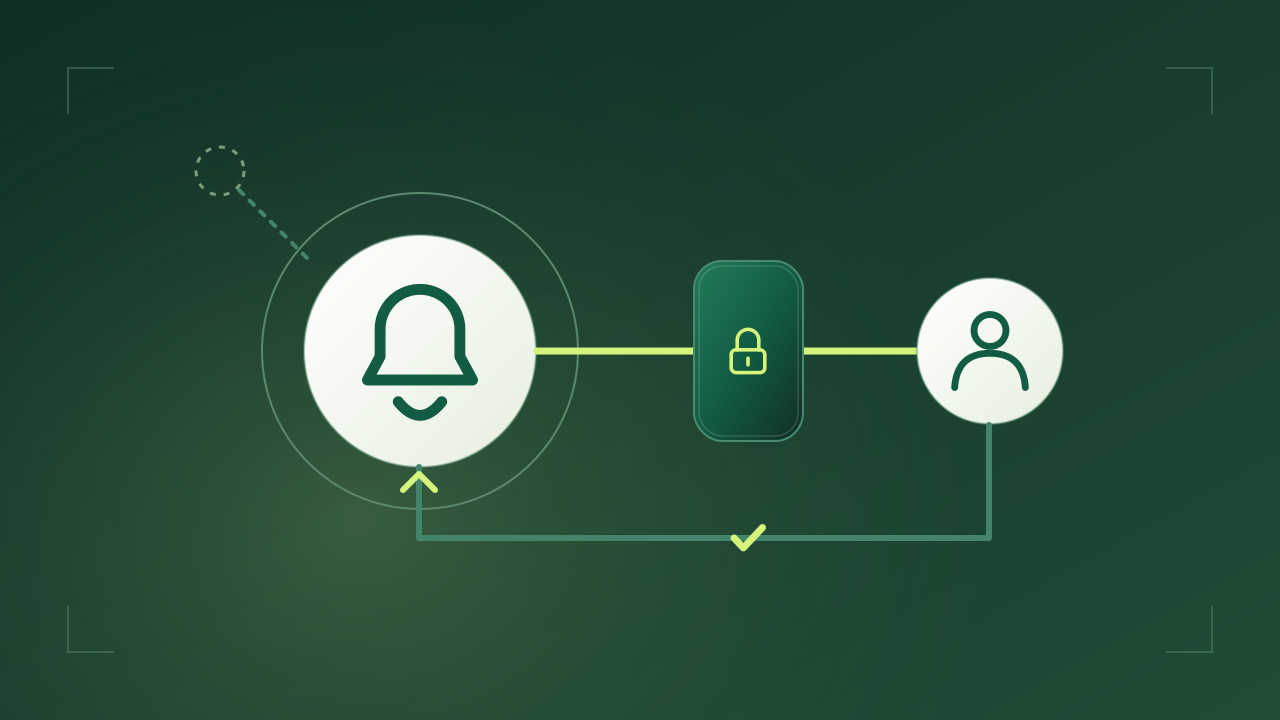
Alert only when someone has a useful authorised action.
A fictional support desk decides that a sustained queue condition should prompt a shift lead to inspect skill coverage and available people. The alert includes the queue, observed period, metric definition and approved response link. It does not automatically order staff to skip breaks or move sensitive work to unqualified agents. The scenario defines a local workflow, not a benchmark threshold or evidence of a customer improvement.
Specify who receives the alert, who acknowledges it and what happens if that person is absent. An acknowledgement means somebody owns investigation; it does not necessarily mean the condition is resolved. Keep the handover to another team visible. Decide how repeated observations relate to one active incident so a continuing failure does not generate an unreadable stream of unrelated tickets. Make the recovery message understandable to the original owner.
Use authorised fixtures for missing events, delayed reports, duplicate alerts and an unreachable recipient. Check whether the interface explains that monitoring data is stale instead of presenting an old green state as current health. Test reopening after recovery and a shift change during an incident. A notification shown on a screen is not evidence that the intended person saw it. Record the actual delivery and acknowledgement scope available in the chosen system.
Inspect which alerts led to a useful action, which missed real problems and which repeatedly fired without a change. Adjust definitions with the responsible owners and keep a history of meaningful changes. DialerBee describes supervisor tools and operational reporting; demonstrate the exact signal-to-action workflow before promising automation. Protect agents and customers from overconfident inferences based on sentiment or incomplete metrics. An alert is a reason to investigate evidence, not proof of wrongdoing or a complete diagnosis.
Include a fixture where a condition clears before a delayed notification reaches the supervisor. The message should identify its observation time and direct the person to current evidence. Otherwise the team may apply a disruptive response to a problem that ended before anyone was notified.
No. It assigns ownership; resolution needs evidence that the condition or its impact has been handled.
Do not assume that. Confirm the supported configuration, integrations and notification scope for the deployment.
Prepared by the ContactCenter.me editorial team, a BroadNet resource powered by DialerBee. Product statements reflect the linked documentation checked 2026-11-25. Operational examples are planning guidance. Read our editorial standards and commercial disclosure.
Calculate your service level with an explicit short-abandon exclusion policy.
Turn expected daily workload, productive hours and shrinkage into a simple staffing baseline.
Build a weighted quality scorecard and export a reusable review template.

Define escalation triggers, context transfer, queue behaviour and fallback ownership so an AI voice agent can hand over responsibly.
Read the guide
Separate queue abandonment, closed-hours calls and technical failures, then assign an appropriate recovery action.
Read the guide
Design overflow triggers, skills, announcements and ownership so busy queues still give callers a clear next step.
Read the guideExplore your requirements with a DialerBee specialist. Bring your workflows, your carrier, and your questions.